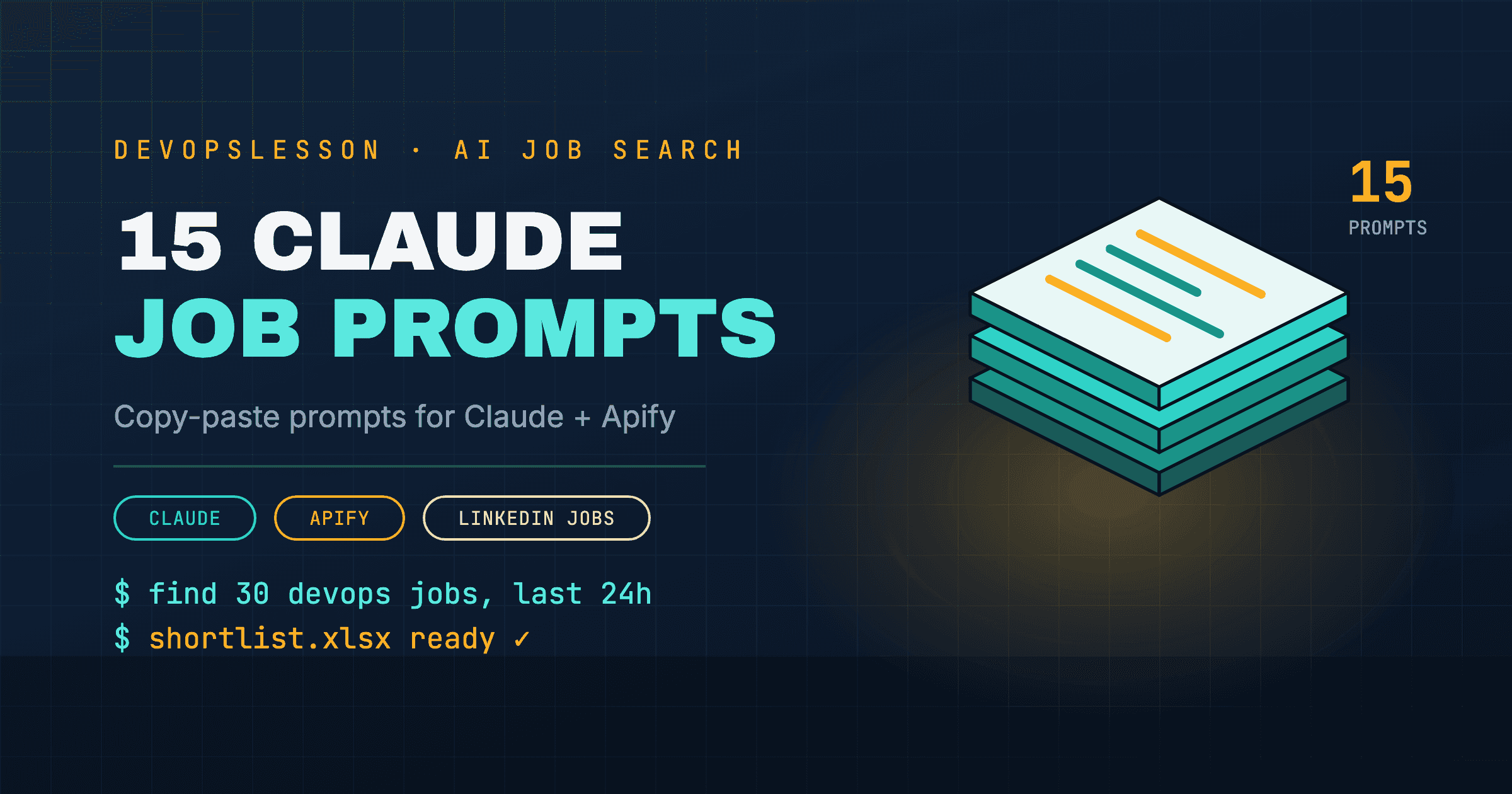
The prompt is the whole interface. With the Apify connector turned on, Claude can run a LinkedIn jobs scraper for you, but what comes back depends almost entirely on how precisely you ask. "Find me DevOps jobs" gets you a guess. "Find 30 DevOps Engineer jobs in Toronto posted in the last 24 hours, as an Excel sheet with these columns" gets you something you can apply from.
These are the prompts I use, grouped by stage. Copy them, swap the bracketed parts, and keep the structure.
New to this setup? Connect Apify first: the full walkthrough is in How to Use Claude to Find Jobs, and if the connector is misbehaving, see How to Connect LinkedIn to Claude.
What makes a job-search prompt work
Every fetch prompt below has the same five parts. Leave one out and Claude fills the gap with a default you probably did not want.
| Part | Example | What goes wrong without it |
|---|---|---|
| Role | "DevOps Engineer or Site Reliability Engineer" | Claude searches one title and misses the synonyms |
| Location | "Toronto, Ontario, or remote within Canada" | Results span countries you cannot work in |
| Time window | "posted in the last 24 hours" | You get week-old postings with hundreds of applicants |
| Volume | "up to 30 jobs" | The Actor's default limit decides for you |
| Output | "Excel sheet with title, company, location, posted date, link" | A prose summary you cannot sort or filter |
Two more habits make the results trustworthy:
- Ask for the link on every row. It lets you open the real posting, and it makes a fabricated row obvious.
- Ask how many results the Actor returned. If the run failed or came back empty, you want to hear that, not get a list padded from Claude's general knowledge.
Stage 1: Pull fresh postings
1. The daily pull
"Use Apify to find up to 30 jobs posted on LinkedIn in the last 24 hours for DevOps Engineer or Cloud Engineer in [City, Country]. Return an Excel sheet with columns: job title, company, location, remote/hybrid/onsite, posted date, job URL. Tell me how many results the Actor returned before you filter anything."
2. Remote only
"Use Apify to search LinkedIn for remote [Role] jobs open to candidates in [Country], posted in the last 3 days. Exclude any posting that says hybrid or requires relocation. Give me a table with the link for each job."
3. Several titles at once
"Run one Apify LinkedIn jobs search per title for these roles: [Title 1], [Title 2], [Title 3], in [Location], posted in the last 24 hours. Merge the results, remove duplicates by job URL, and give me one Excel sheet with a column showing which title search found it."
4. Ask which Actor it used
"Before you run anything, tell me which Apify Actor you plan to use for LinkedIn jobs, what it costs per result, and which input fields it accepts. Then run it with the filters I gave you."
This one is worth running once. Community Actors on Apify differ in price, filters and reliability, and knowing which one Claude picked makes later runs repeatable.
Stage 2: Filter against your resume
Attach your resume to the conversation before these.
5. Score every posting
"Here is my resume. For each job in the sheet you just made, score my fit from 1 to 5 based on the required skills in the posting, and add a one-line reason. Add both as new columns and sort the sheet by score."
6. Flag the deal-breakers
"Go through these postings and flag any that require a security clearance, a degree I do not have, more than [N] years of experience, or a language other than English. Add a 'blocker' column and leave it empty when there is none."
7. Find the skills gap
"Across all the postings scored 4 or 5, list the skills or tools that appear in at least a third of them but are missing from my resume. Sort by how often they appear."
That last list is a study plan. If Terraform or Kubernetes keeps appearing, the Terraform and Kubernetes tutorials are the next thing to work through.
Stage 3: Tailor each application
8. Reorder, do not invent
"Here is the posting for [Company] [Role]. Using only experience that is already on my resume, rewrite my top five bullets so the most relevant ones come first and use the posting's terminology where it is accurate. Do not add any skill, tool or result I have not listed."
9. A short cover note
"Write a 120-word note to the hiring manager for this role. Mention one specific thing from the posting and one matching project from my resume. No generic opening line, no 'I am writing to apply'."
10. Check your keywords
"Compare my resume with this job description. List the required skills from the posting that appear on my resume, the ones that are missing, and the ones I have but describe with different words."
Stage 4: Prepare for the interview
11. A mock interview
"Act as the interviewer for this [Role] posting. Ask me one question at a time, wait for my answer, and push back when an answer is vague. After ten questions, tell me which answers were weakest and why."
For technical rounds, pair this with the question banks for Docker, Kubernetes and AWS.
12. Research the company
"Search the web for news about [Company] from the last six months: funding, layoffs, leadership changes, product launches, outages. Give me five bullet points and two questions I could ask in the interview based on them."
Stage 5: Track and follow up
13. Start the tracker
"Create an application tracker as an Excel sheet with columns: company, role, job URL, date applied, status, next step, next step date, notes. Add the jobs I applied to today: [list]."
14. The weekly review
"Here is my tracker. Tell me which applications have had no reply for more than 14 days, which interviews are coming up this week, and draft a two-sentence follow-up email for each application that needs one."
15. Reuse your best search
"Write down the exact Apify Actor, input settings and filters you used for today's search so I can paste them into a new conversation tomorrow and get the same search."
Save that output. The next morning, paste it in and the daily pull takes one message.
Prompts that waste credits
Some requests burn Apify usage without giving you anything useful:
- No volume limit. "Find all DevOps jobs in the US" can return thousands of results you will never read and pay for every one.
- Re-running the same search. Use prompt 15 and keep a tracker, rather than pulling the same week of postings every day.
- Scraping profiles. You do not need recruiters' or employees' profile data to apply for a job, and that is where LinkedIn's terms bite hardest. Can Claude scrape LinkedIn? explains where the lines are.
Where to go next
- How to Use Claude to Find Jobs: the full setup and workflow these prompts plug into.
- How to Automate Job Applications with Claude: what to hand off and what to keep doing yourself.
- Top 10 DevOps Projects for Your Resume: give the tailoring prompts something strong to work with.
Frequently asked questions
What is the best Claude prompt for job search with Apify?
A good prompt names the role, the location, the time window and the output format in one sentence, for example: use Apify to find 30 DevOps Engineer jobs in Toronto posted in the last 24 hours and return them as an Excel sheet with title, company, location, posted date and link. Vague prompts make Claude pick an Actor and filters for you.
Do these prompts work without the Apify connector?
The resume, tailoring, interview and tracking prompts work in any Claude conversation. Only the prompts that fetch live postings need a connector such as Apify, because Claude cannot browse LinkedIn job search on its own.
Why does Claude return fewer jobs than I asked for?
The Actor may have hit its result limit, the filters may be too narrow, or some results were removed as duplicates. Ask Claude which Actor and input it used, then widen the location or time window and run it again.
Will Claude make up jobs if the scrape fails?
It should tell you the run failed, but always check. Ask Claude to include the job URL for every row and to say explicitly how many results came back from the Actor, so an empty or failed run cannot quietly turn into a made-up list.
Vishvesh Patel is a DevOps engineer who writes hands-on guides on Docker, Kubernetes, Terraform, CI/CD, AWS, and Linux. He builds the tutorials, roadmaps, and browser playgrounds at DevOpsLesson to help engineers go from beginner to job-ready.